I’ve been haphazardly attempting to organize my site files for a while. One thing I routinely need to know is what sort of content I’m working with.
I started with a Raku one-liner:
hugo list all \
  | raku -e 'say bag(map({ $*SPEC.extension(split(",", $_)[0]) }, lines[1..*]))'
Not pretty, but quick and effective.
Bag(html(39) md(542))Unfortunately, it didn’t cover all the content extension once I figured out that Hugo can ignore *.txt files, allowing me to try all sorts of tricks with content generation.
So I’ve had this Ruby code embedded in my justfile.
#!/usr/bin/env ruby

require 'tty-table'
content_exts = %w{.md .md.txt .rst .rst.txt .adoc .org}
ext_glob = "*\{#{content_exts.join(',')}\}"
format_glob = "content/**/#{ext_glob}"
puts format_glob
t = Dir.glob(format_glob)
 .select { |f| File.file? f }
 .map { |f| content_exts.detect { |e| f.end_with? e } }
 .tally
 .map { |k, v| [k, v] }
puts TTY::Table.new(["Format", "Count"], t).render(:unicode)
More verbose than the Raku solution for sure, but much of that is making sure it looks nice in a TTY Table.
❯ just formats
content/**/*{.md,.md.txt,.rst,.rst.txt,.adoc,.org}
┌────────┬─────┐
│Format  │Count│
├────────┼─────┤
│.md     │590  │
│.md.txt │22   │
│.rst.txt│19   │
└────────┴─────┘
It works! It’s great. Nothin wrong with it whatsoever.
But I’ve been looking at Node.js recently for assorted reasons, including the possibility of porting this site to one of the many Node-based static site generators.
So why not try the task in Node.js?
const glob = require("glob");

const contentExts = "md md.txt rst rst.txt adoc adoc.txt org".split(" ");
const contentGlob = `content/**/*.{${contentExts.join(",")}}`;

glob(contentGlob, (err, paths) => {
  if (err) return console.error(err);

  // Path.extname would be fine here if not for my BASE.FORMAT.txt habit
  let countedExts = contentExts.reduce((extCounts, ext) => {
    const extMatchCount = paths.reduce((matchCount, path) => {
      return path.endsWith(ext) ? ++matchCount : matchCount;
    }, 0);

    if (extMatchCount > 0) {
      extCounts[ext] = extMatchCount;
    }

    return extCounts;
  }, {});

  console.table(countedExts);
});
I’m only now attempting to use the platform with any kind of seriousness, so I apologize if there’s anything in there that’s not quite idiomatic.
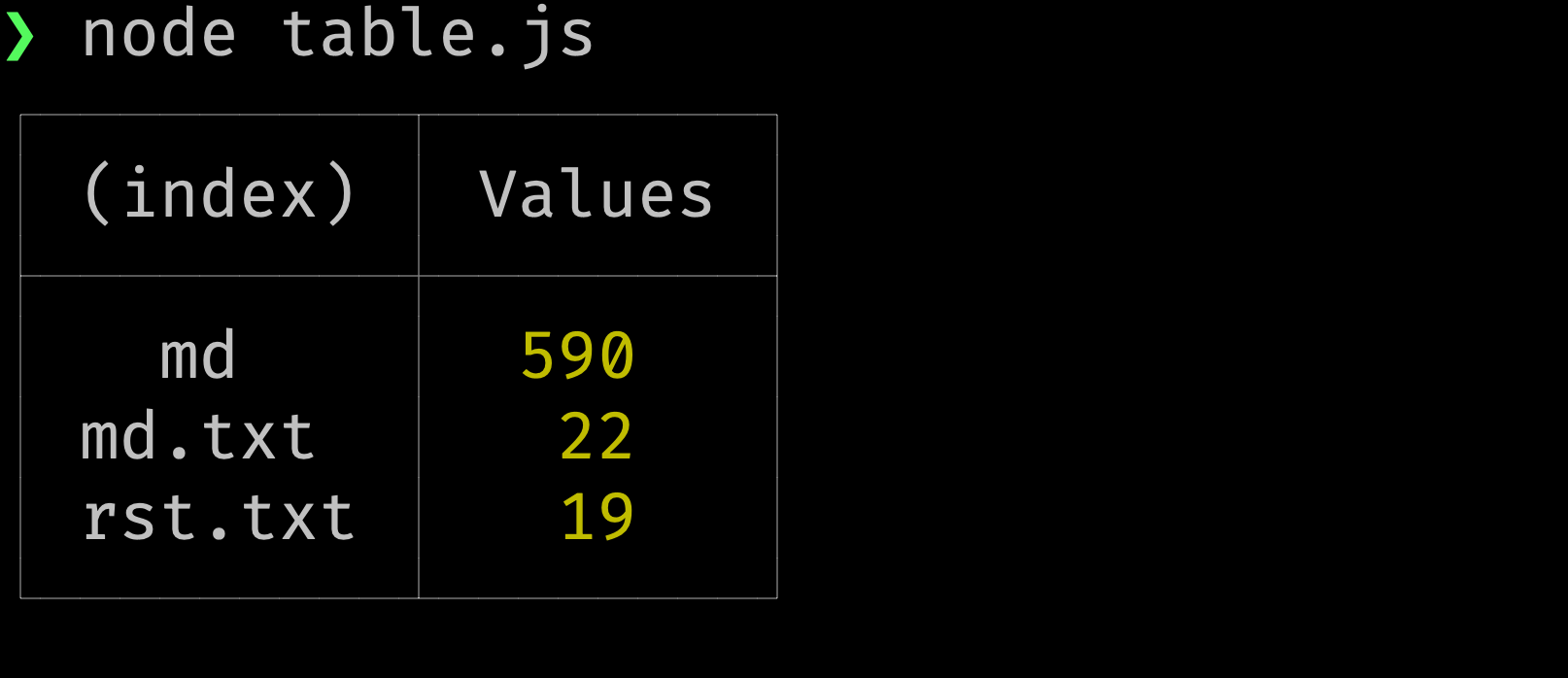
I grabbed glob to simplify the task of recursively drilling down into content/. Array.reduce helps me count files matching each of my content extensions, then construct an object with those tallies. Since Console.table comes standard, I didn’t need to dig for any formatting libraries today.
Though I might later for a little more control over display.
┌─────────┬────────┐
│ (index) │ Values │
├─────────┼────────┤
│   md    │  590   │
│ md.txt  │   22   │
│ rst.txt │   19   │
└─────────┴────────┘
But hey it works.
Backlinks
Got a comment? A question? More of a comment than a question?
Talk to me about this page on: mastodon
Added to vault 2024-01-15. Updated on 2024-02-02